My Writing Process - How I Work
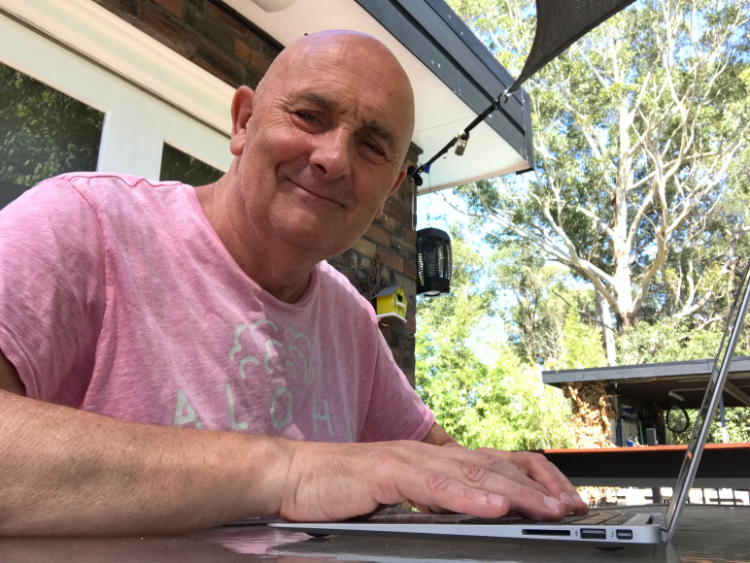
People often ask how I go about writing a book. I don't follow a strict formula, but I have developed a few helpful habits and tools that make the process smoother over the years. I like to be settled and in good weather I'll normally take the laptop into the garden and sit at the bench
Musing
I normally think of my next writing project some time before I start on it. Quiet often before the 'current' project is completed. I tend to write beginners plus type text, so my approach is already set. With this latest series of books, the contents go way further, than what I have done before. I normally come up with a book title before anything else, this may change, but it helps me focus on contents requirements. Then it's a matter of deciding what goes into the book. I do this, almost subliminally, on walks through the local bushland or the Sydney coastline. At this point I haven't really written anything down. This is normal all in my head - there's a lot of room.
At some point I'll start to create a draft set of chapters to work within Scrivener and have my skeleton to work with. I do tend to start at the beginning and work to the end. As I write each Chapter I split it into bits which become the individual sub-headings in the final published project.

I like to keep an eye out for topics I might mention for the first time and create a named section for this. This ensures that I get to explain the new items I have just stumbled across. As the books nears completion, this happens more and more, so I can add an additional 20% more to the body of the book in this way. An average book of 250 pages will be about 80,000 words; 500 pages is about 130,000 words.
I don't keep a count of words as I always write too much, but you need to bear in mind the associated costs get much bigger as the page count increases. Equally the cost of my time which should not be forgotten.
I'm always on the lookout for places where I might insert a diagram or chart. Screen shots are invariably important.
Programs are imperative in coding tutorials, and these pretty much suggest themselves during the writing process. I have a set way of formatting these now, so it is quite easy to do.
The big issue with programs is that auto-correct and the like will often play havoc with them if you are not careful. For example, 'sudo' becomes 'Sudo' if it is at the start of a line. It's murder!
Getting Started with Scrivener
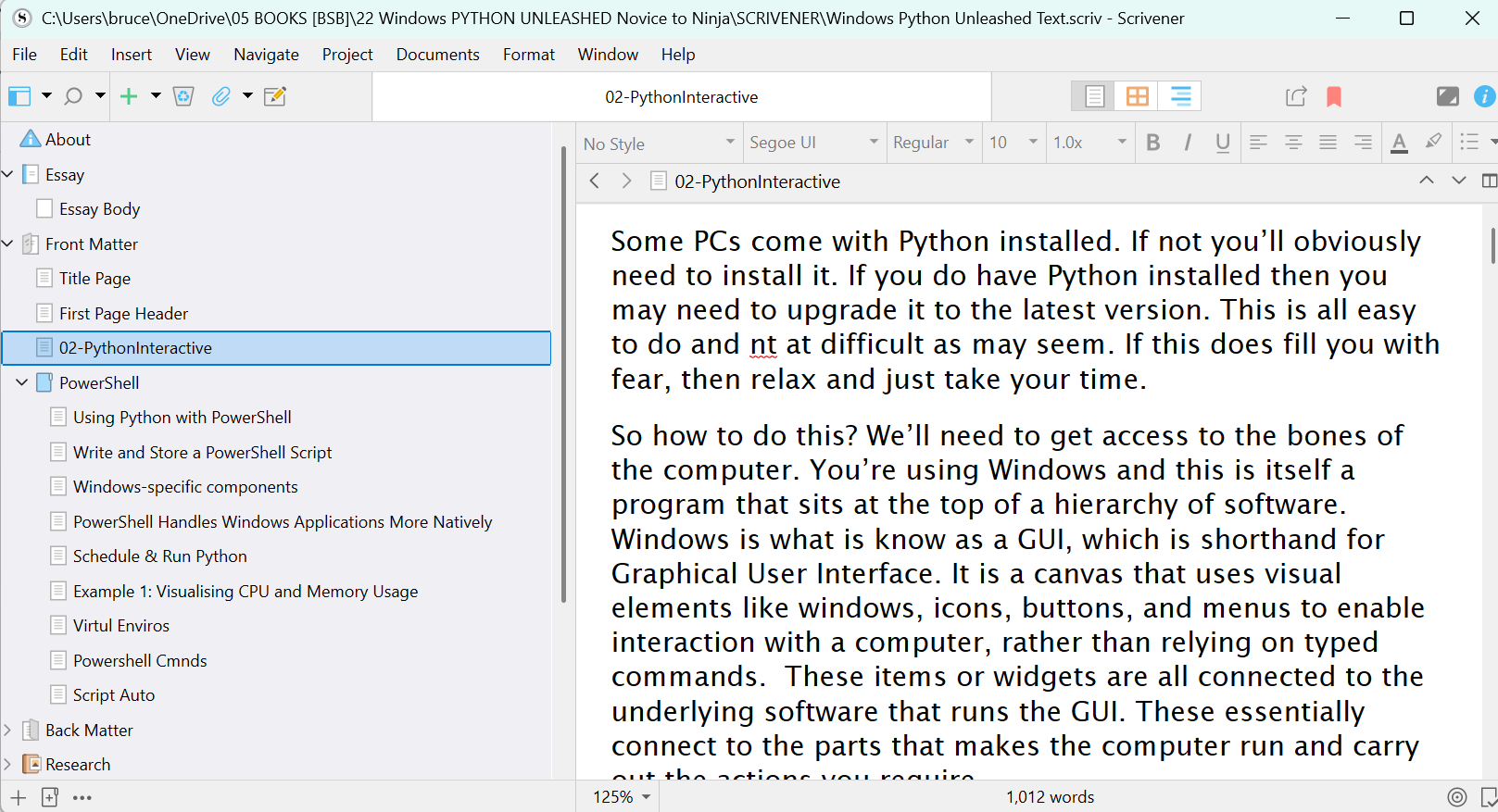
Scrivener is where the words of every book starts. I break down each project into sections and chapters - it gives me structure without locking me in too tightly. The flexibility to move things around is invaluable as a project grows and shifts.
Once I have a draft, I run everything through ProWriting Aid. It's more than a grammar tool - it helps tighten the flow, highlights pacing issues, and ensures I'm explaining things clearly without repeating myself too much.
Working with Code and Visuals
Visuals like diagrams, screenshots and code listings play a key role - particularly in programming books. I've refined a formatting style for code that keeps everything consistent and clean. But you do have to keep a close eye on auto-correct - it loves to "fix" commands like sudo when it really shouldn't.
Final Steps
When the first full draft is done, I read it aloud using Word's built-in reader - a great way to catch things your eyes skim over. Then it goes into Affinity Publisher for layout. I'll review a printed proof copy to catch final tweaks and get a feel for the flow and design before release.
